
How to Share a YouTube Video at a Specific Time
If you want someone to jump straight to the important moment in a YouTube video, sending the plain video URL is not enough. It opens the video at the beginning, which forces the other person to scrub forward and guess where the useful part starts.
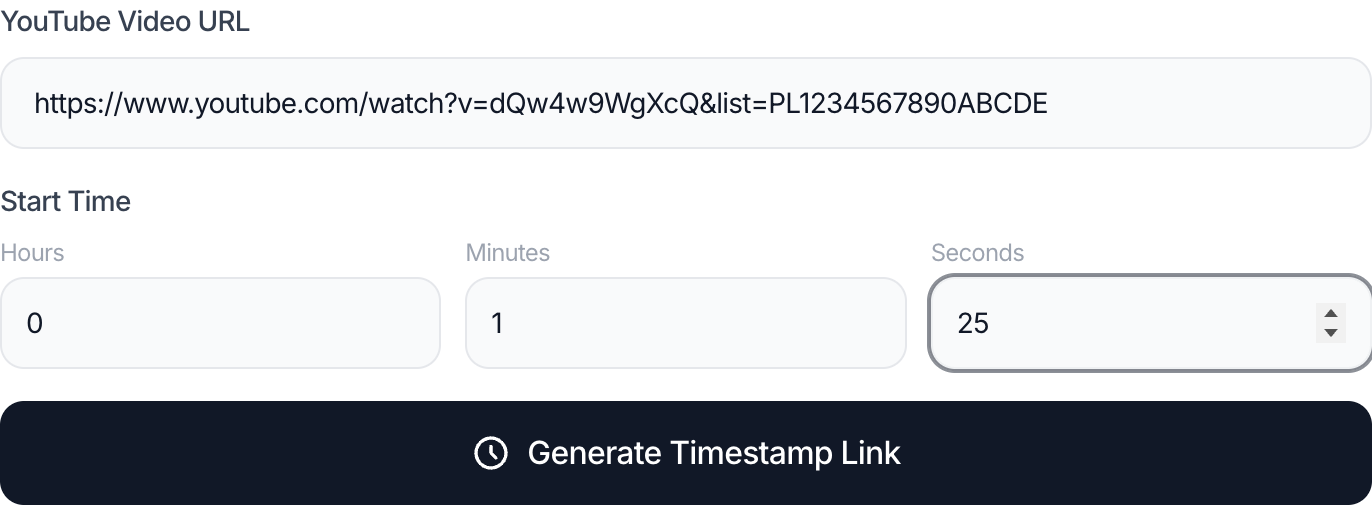
The clean solution is to use a YouTube Timestamp Link Generator to create a timestamp link: a YouTube URL that opens the video at the exact second you want. That sounds simple, but people still run into messy edge cases on mobile, in playlist links, inside chat apps, or when they try to hand-build the URL.
Why this matters
Timestamp links are useful because they shorten the path between context and action. Instead of saying “go to 12 minutes and 43 seconds,” you can send a link that does it for the viewer immediately.
That matters in:
- team reviews
- lecture notes
- WhatsApp or Telegram chats
- creator feedback
- support conversations
- documentation and onboarding notes
It also reduces friction. The more steps a viewer has to perform manually, the more likely they are to miss the point or give up halfway through.
Step-by-step: create a timestamp link the right way
1. Start with the original video URL
Use a standard YouTube watch URL, a short youtu.be link, or a Shorts URL that points to the video you want to share.
2. Choose the exact time
Enter the time in whichever format is easiest:
mm:sshh:mm:ss- raw seconds
The key is that your time should represent the moment the viewer should land on, not the moment they should begin paying attention.
3. Generate the link
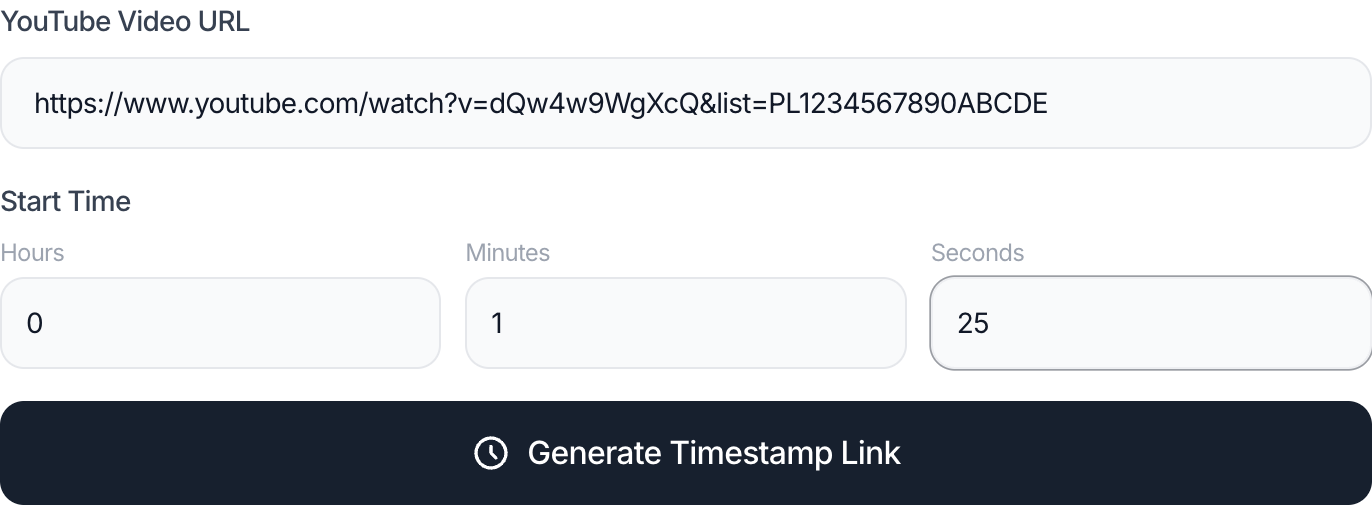
A timestamp generator turns that timestamp into the correct URL structure. You do not need to remember query parameters or rebuild the entire link by hand.
4. Keep playlist context only when it helps
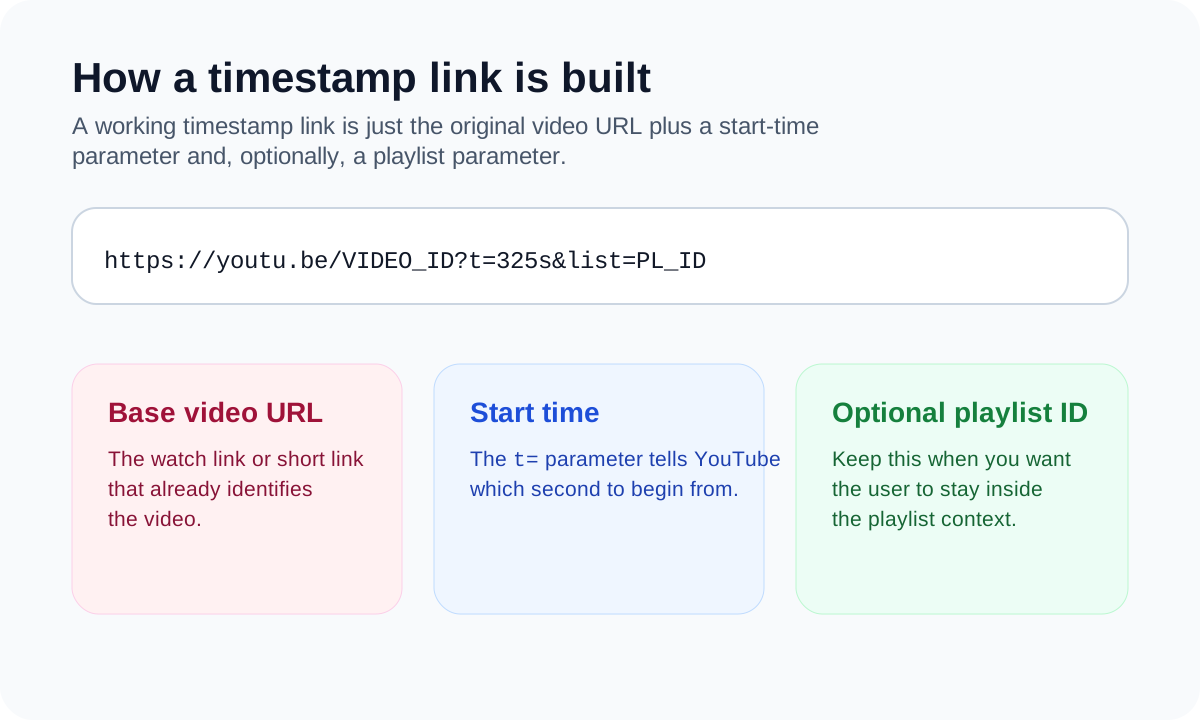
If the original video belongs to a playlist and you want the viewer to stay inside that playlist flow, keep the playlist parameter. If the viewer only needs the isolated clip moment, a cleaner standalone link is usually better.
5. Copy either the link or the share text
The best tools give you both:
- the link itself
- a share line like
01:25 Hook
That second output is useful in chat, docs, comments, and content outlines.
Native share vs manual edit vs generator
There are three common ways people try to share a YouTube video at a specific time:
Native YouTube share flow
Sometimes the YouTube interface gives you a “start at” option. When it is available, it is convenient. The problem is that it is not equally obvious across desktop, mobile, embedded contexts, or app-specific views.
Manual t= editing
This works if you know what you are doing, but it is easy to get wrong when the link already includes other parameters. People often break the URL, drop the playlist parameter, or forget to convert the time correctly.
Dedicated timestamp generator
This is usually the cleanest option. It is fast, repeatable, and does not rely on a specific YouTube UI path being visible at that moment.
A real example
Imagine you are sending feedback on a 42-minute product demo. The real issue starts at 18 minutes and 11 seconds. If you paste the normal video URL into Slack, the recipient still has to scrub for the problem. If you send a timestamp link instead, they land on the exact moment you mean.
That makes the message shorter and more accurate:
- plain link: “watch the whole thing and find the issue”
- timestamp link: “go here, this is the problem”
For teams, creators, and clients, that difference is not cosmetic. It changes how quickly a decision gets made.
Common mistakes
Using the wrong time format
People often mix mm:ss and raw seconds mentally. A generator avoids that confusion.
Forgetting playlist context
If a video URL came from a playlist, dropping the list= parameter may be fine or may change the viewing context completely. Decide intentionally.
Assuming mobile always exposes the same share option
Mobile YouTube interfaces are not always identical to desktop behavior. A browser-based timestamp generator is more reliable when the app hides the option.
Sending a bare timestamp with no context
01:25 is only useful if the reader already knows why it matters. Add a label or one short sentence.
Best practices
- Use a short label whenever you share a timestamp.
- Keep the playlist parameter only when the playlist context matters.
- Use a generator when you need consistency across mobile, desktop, and chat apps.
- Test the link once before sharing if the message is important.
- Prefer the short link format when you need a compact URL.
Related tools
- Use the YouTube Timestamp Link Generator to generate a clean timestamp link without editing query parameters manually.
- If you also need timestamp-friendly study planning, read How to Plan Study or Work Sessions With Long YouTube Playlists.
- If the real issue is a missing visual asset, use the YouTube Thumbnail Downloader.
FAQ
Can I share a YouTube video at a specific time from mobile?
Yes. If the app does not expose a clear timestamp share option, paste the URL into a browser-based generator and copy the result.
Does a timestamp link work in WhatsApp or Telegram?
Usually yes. Timestamp links are standard URLs, so they work well in messaging apps unless the app strips parameters in its preview layer.
What is the shortest timestamp URL format?
The compact format is usually the youtu.be version with a t= parameter.
Can I keep the playlist when I add a timestamp?
Yes. That is useful when the viewer should stay inside the playlist instead of jumping to an isolated video page.
Do I need an AI tool for this?
No. Timestamp link generation is a formatting task, not an AI task.
Conclusion
The best way to share a YouTube video at a specific time is to remove avoidable friction. A clean timestamp link tells the viewer exactly where to start, preserves context when needed, and works better across real communication channels than a plain video URL.
If the goal is speed and consistency, a dedicated timestamp generator is usually the safest workflow.
More workflow guides
Use these next if you are planning around timestamps instead of just sending one link.
How to Calculate YouTube Playlist Watch Time Before You Start
Learn how to estimate the real time commitment of a YouTube playlist before you click play, including speed-based watch time and partial playlist planning.
How to Plan Study or Work Sessions With Long YouTube Playlists
Turn total playlist duration into practical daily and weekly study plans for courses, research playlists, onboarding material, or team reviews.