

Timestamp URL guide and free tool
YouTube Timestamp Link Generator Guide
A YouTube timestamp link sends someone to the exact second that matters instead of making them scrub through the whole video. This is useful for study notes, creator feedback, support tickets, client reviews, and chat messages.
This guide is written for people searching for a YouTube timestamp link generator, a YouTube link with timestamp, or a way to share a YouTube video at a specific time. It explains the URL formats and links to the free generator whenever you want to create the link directly.
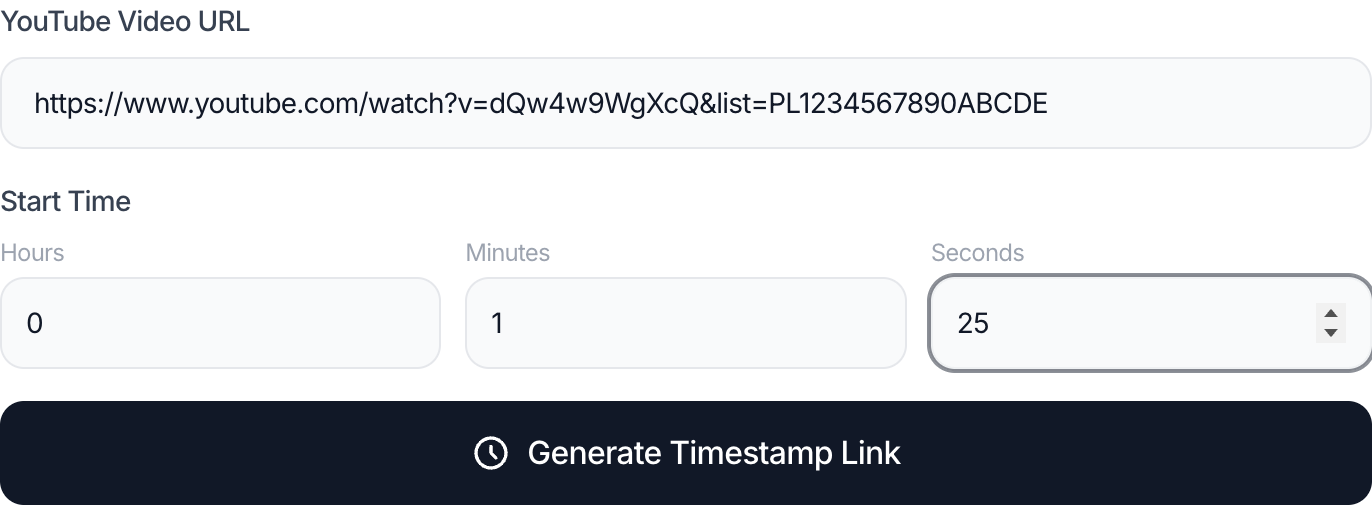
Create the timestamp link
Paste a YouTube URL, choose the start time, and copy a ready-to-share timestamp URL.
No signup. Works with watch links, youtu.be links, Shorts URLs, and playlist context when you need it.
What people need from a timestamp link page
Most users do not want a theory article first. They want to send a video so the recipient lands on the right moment. The page has to explain the task quickly, then handle the edge cases that make people search again.
The main doubts are simple but important: whether to use ?t= or &t=, whether seconds or 1h2m30s works, whether the link survives WhatsApp, Slack, Discord, or mobile sharing, and whether playlist parameters should stay in the URL.
Primary intent
Link at exact time
The viewer should land on the moment you chose, not at the start of the video.
Shortest format
youtu.be?t=90
Good for messages, notes, documentation, and compact sharing.
Best use case
Reviews and notes
Useful for feedback, lectures, tutorials, support, and creator workflows.
How to make a YouTube timestamp link
- Copy the YouTube watch URL, youtu.be link, Shorts URL, or playlist video URL.
- Decide the exact start time, such as 1:25, 18:11, or 1:02:30.
- Open the YouTube Timestamp Link Generator and paste the video URL.
- Enter the time as hours, minutes, and seconds, or convert it to raw seconds if you are editing manually.
- Keep the playlist option only when the viewer should stay inside the playlist flow.
- Copy the link and test it once before sending it in an important message.
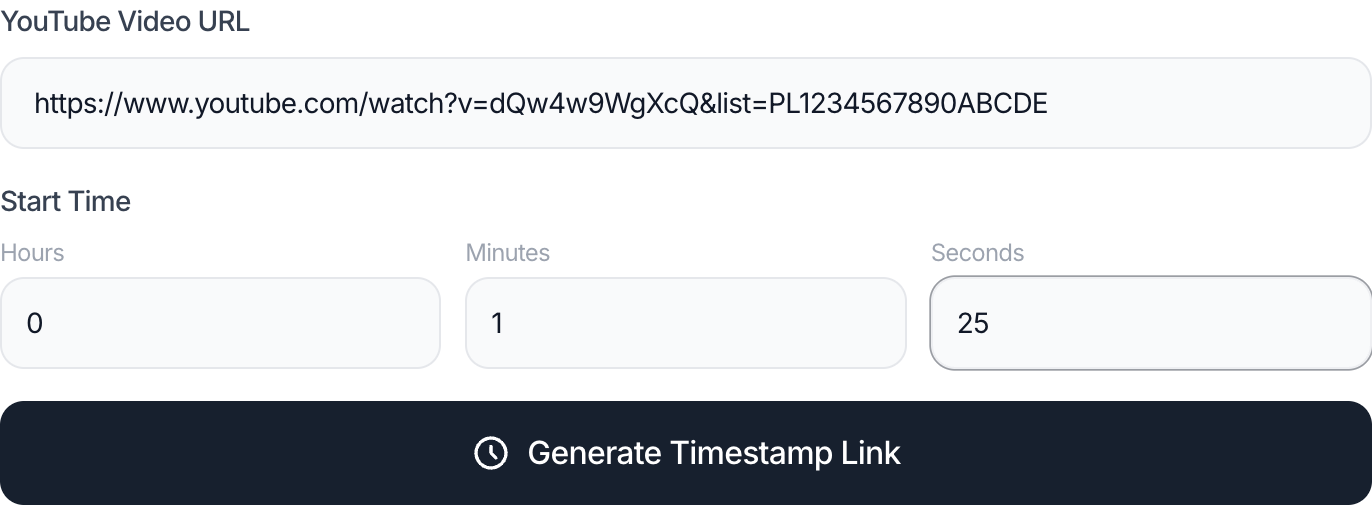
Create the timestamp link
Paste a YouTube URL, choose the start time, and copy a ready-to-share timestamp URL.
Open the timestamp generatorYouTube timestamp URL formats
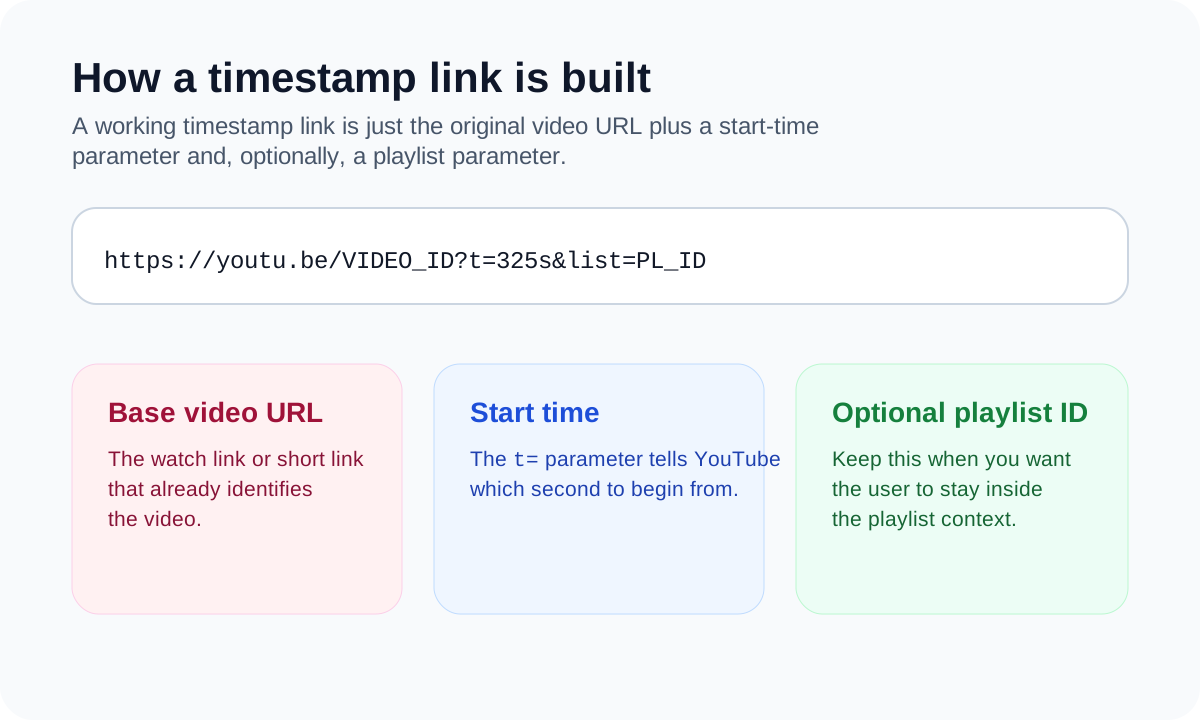
A timestamp link is a normal YouTube URL with a time parameter. The exact separator depends on whether the URL already has query parameters.
| Format | URL | When to use it |
|---|---|---|
| Short link | https://youtu.be/VIDEO_ID?t=90 | Compact and easy to paste into chat or notes. |
| Watch URL | https://www.youtube.com/watch?v=VIDEO_ID&t=90 | Use &t= because the watch URL already has a query parameter. |
| Readable time | https://youtu.be/VIDEO_ID?t=1h2m30s | Useful for long videos when hours and minutes are easier to read than seconds. |
Mobile sharing and chat app tips
On desktop, YouTube often exposes a start-at sharing option. On phones, the option can be harder to find or hidden behind app-specific menus. A browser generator avoids that inconsistency because you only need the video link and the start time.
If a chat app changes the preview or strips tracking parameters, paste the full timestamp link as plain text and use the short youtu.be format when possible. For team notes, add a label like 02:14 Pricing example so the link still has context.
Why a timestamp link may not work
The most common issue is using ?t= when the URL already has a question mark. In that case, the timestamp should be added with &t=. A generator handles that automatically.
Another common issue is copying a link from inside a playlist and losing the list parameter. That is not always wrong, but it changes the viewing context. Keep playlist context only when the order of videos matters.
Shorts URLs can be timestamped by converting the video ID into a normal watch or youtu.be link. If the platform forces the Shorts player, open the generated URL in a browser and confirm the start time.
FAQ
How do I create a YouTube link with timestamp?
Copy the video URL, enter the start time in the timestamp generator, and copy the generated link. The link will include a t= parameter so YouTube opens at that second.
Should I use ?t=90 or &t=90?
Use ?t=90 only when the URL has no existing query string. If the URL already contains a question mark, such as a watch URL with v=VIDEO_ID, use &t=90.
Can I use 1h2m30s instead of seconds?
Yes. YouTube timestamp links commonly support readable time values such as 1h2m30s. Raw seconds are also reliable, especially when a tool generates the link.
Does a YouTube timestamp link work on mobile?
Yes. If the YouTube app hides the start-at sharing option, create the link in a browser and share the generated URL from your phone.
Can I timestamp a YouTube Shorts link?
You can create a timestamp URL from a Shorts video ID, usually by opening it as a normal watch or youtu.be link. Test the result because some apps prefer the Shorts player.
Why does my timestamp link start at the beginning?
Check the URL separator, the time value, and whether the app you used stripped URL parameters. Try the shorter youtu.be format if the link was pasted into a chat app.
Can I keep the playlist in a timestamp link?
Yes. Keep the list parameter when playlist context matters. Remove it when you want the cleanest standalone video link.
Is a timestamp generator different from an AI timestamp tool?
Yes. A timestamp generator formats a link for a time you already know. An AI timestamp tool would need to inspect or summarize a video, which is a different task.
What is the best timestamp format for Slack, Discord, or WhatsApp?
The short youtu.be format with t= seconds is usually the easiest to read and less likely to be broken by previews.
Can I create several timestamp links for one video?
Yes. Use the same video URL and generate a different link for each moment, then add labels so the recipient knows what each timestamp means.
Ready to create the link?
Use the generator when you need the link fast, then come back to this guide when you need to understand why a specific URL format or sharing app behaves differently.
Open the timestamp generator