
YouTube video को किसी specific time से share कैसे करें
साधारण YouTube link video को शुरुआत से खोलता है. अगर आपको किसी खास moment पर भेजना है, तो सामने वाले को खुद seek करना पड़ता है.
Timestamp link video को सीधे चुने हुए second से खोलता है, इसलिए यह classes, support, bug reports, reviews और team messages में ज्यादा useful है.
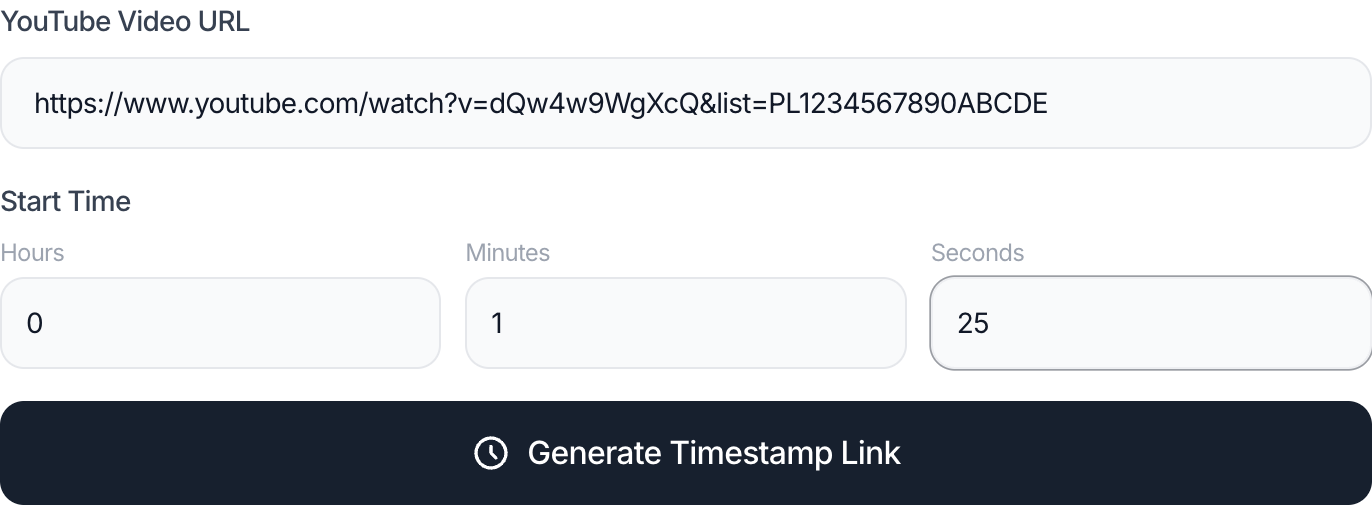
कब काम आता है
यह education, customer support, documentation, bug explanation, tutorial feedback और team collaboration में बार-बार काम आता है.
Mobile पर URL manually edit करने की बजाय generator use करना कम error-prone है.
सुझाया गया तरीका
- YouTube video URL copy करें.
- Starting point का minute और second डालें.
- Timestamp link generate करें.
- भेजने से पहले link एक बार test करें.
आम गलतियां
- Minute और second को उल्टा भर देना.
- URL काटते समय video ID खराब कर देना.
- Start point कुछ seconds late चुनना, जिससे receiver को पीछे जाना पड़े.
अक्सर पूछे जाने वाले सवाल
YouTube link में `t=90` का मतलब क्या है?
इसका मतलब video 90वें second से शुरू होगा, यानी 1 मिनट 30 सेकंड से.
क्या youtu.be short link में timestamp काम करता है?
हां. Short link में भी सही format होने पर start time जोड़ा जा सकता है.
क्या Shorts के लिए भी काम करेगा?
कई cases में हां, लेकिन YouTube app और browser Shorts को अलग तरीके से खोल सकते हैं.
क्या YouTube login चाहिए?
नहीं. Timestamp link video को edit नहीं करता, सिर्फ opening time set करता है.
Tool इस्तेमाल करें
YouTube Timestamp Link Generator खोलें, video paste करें और exact moment से शुरू होने वाला link copy करें.
YouTube Timestamp Link Generator
संबंधित गाइड
ये गाइड उसी YouTube workflow में अगला सवाल हल करने में मदद करती हैं.
YouTube thumbnail size: 1280x720 और 16:9 ratio
YouTube thumbnail के common sizes समझें, 1280x720, 640x480 या 480x360 कब use करें, और blurry या cropped image से कैसे बचें.
YouTube को 1.5x या 2x पर देखने से कितना समय बचेगा
YouTube video या playlist को 1.25x, 1.5x, 1.75x या 2x speed पर देखने का real watch time calculate करें.