Free Online Tool · No Signup Required

YouTube Profile Picture Downloader

Paste a channel, @handle, or video link to save the public 800×800 avatar and banner as JPG or PNG.

What is a YouTube Profile Picture?

Desk scene with a round YouTube channel avatar beside a wide banner strip ready to save

A YouTube profile picture is the square avatar that sits beside videos, comments, search rows, and the channel header. Creators upload one file; YouTube then serves that same picture at several square sizes by rewriting the s-value on a public CDN URL.

This youtube profile picture downloader is a browser lookup: it reads the public channel record, lists the 88, 240, and 800 pixel squares, and, when the channel published art, adds the banner crops. This tool is not a video downloader and it does not log you in.

It runs in this browser, does not ask for a Google login, and does not claim a 4K avatar YouTube does not publish. Paste a channel URL, an @handle, a UC channel id, or any public video from that channel. Shorts, live, embed, and youtu.be links resolve to the same channel picture.


What this youtube profile picture downloader does

Concrete jobs this page finishes on a public channel: paste a supported link, preview every public avatar size, save JPG or PNG, and grab the banner when YouTube still hosts it.

Channel, handle, or video paste

Paste a /channel/ link, an @handle, a custom /c/ or /user/ URL, a channel name, or any public watch, Shorts, or youtu.be URL. The youtube profile picture downloader maps a video to its channel, then lists the public avatar files.

Honest 800×800 avatar

YouTube stores one square and serves 88, 240, and 800 pixel renditions. The 800 file is the largest public avatar. This page does not invent 1280 or 4K profile pictures, even when other tools advertise those numbers.

Banner on the same page

When brandingSettings includes channel art, you also get the 1060, 2120, and 2560 wide banner crops. A youtube pfp downloader search does not need a second tool or a second URL for the header strip.

JPG, PNG, view, and copy

Download the CDN JPEG, convert a PNG in the tab, open a full-size view dialog, or copy the public image URL. Nothing is zipped, and nothing is stored as a server copy of the channel.

How to download a YouTube profile picture

Three real actions: paste, preview, download. How to use this youtube profile picture downloader on desktop or a phone browser, with no install and no Google account.

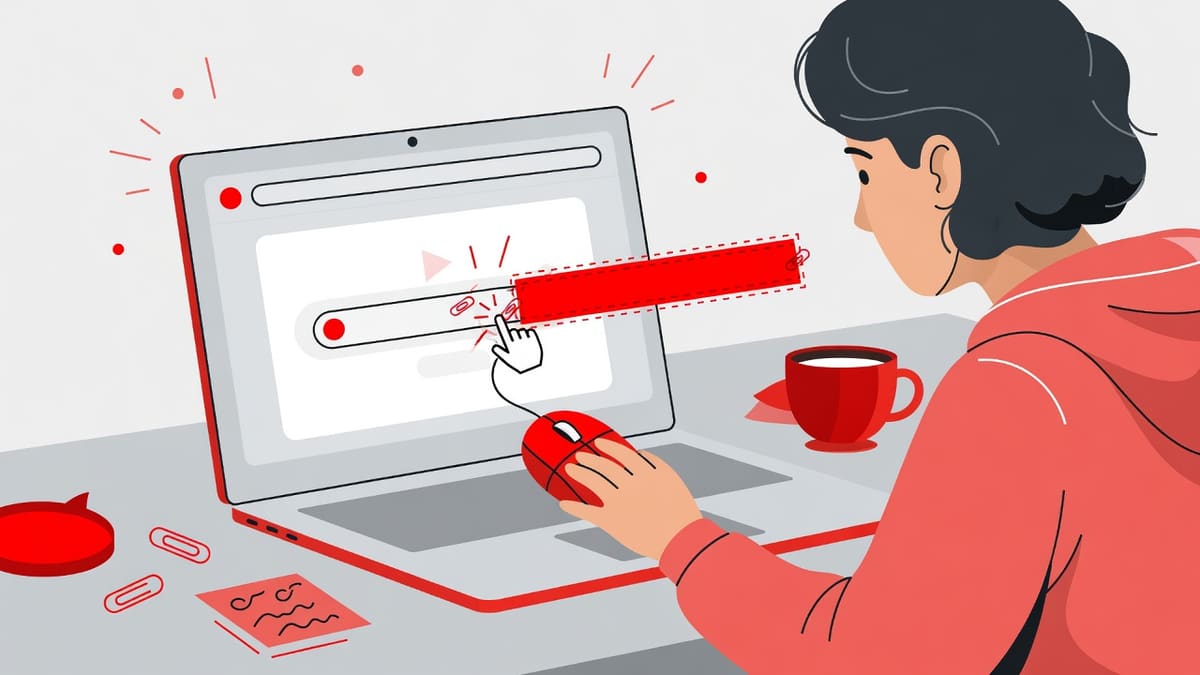
  1. Person pasting a YouTube channel link into a laptop browser to fetch the public avatar
    Step 1

    Paste the channel, handle, or video link

    Drop a public YouTube channel URL, @handle, channel id, or any video from that channel into the box. One link at a time is enough for this youtube profile picture downloader.

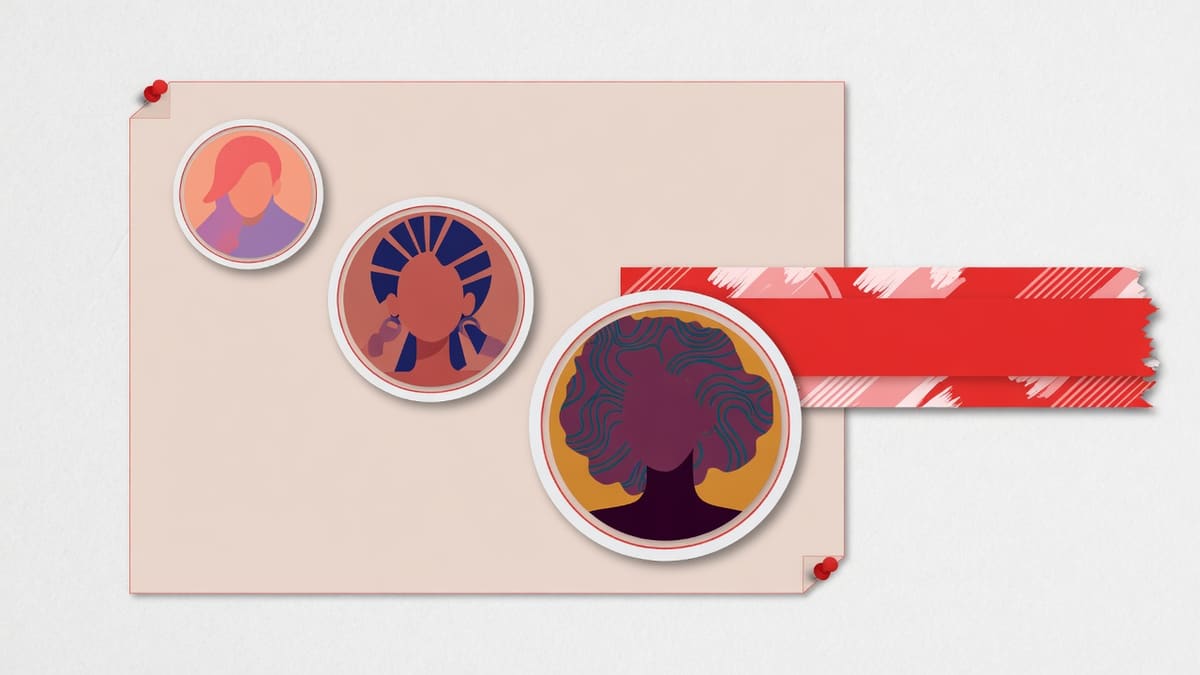
  2. Preview board with three growing round avatars and a wide channel banner strip
    Step 2

    Preview the avatar sizes and banner

    The identity row shows the channel title and handle. Under it, compare the 88, 240, and 800 squares and, when present, the three banner widths before you save anything.

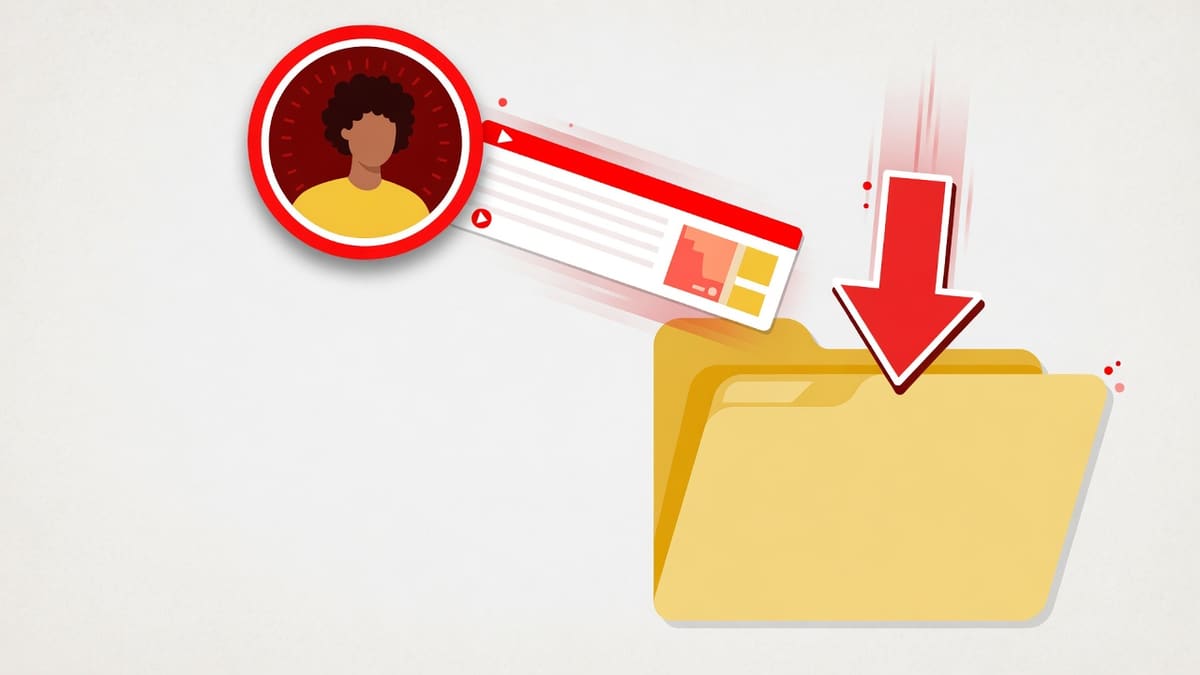
  3. Round avatar and banner files dropping into a download folder with a downward arrow
    Step 3

    Download JPG or PNG, or view full size

    Use View to confirm pixels, Copy URL for the CDN address, Download JPG for the original file, or Download PNG to convert on the page. Files land in the browser download folder.

Why use this YouTube profile picture downloader

Why download YouTube profile pictures from a public page instead of screenshotting a tiny circle: you get the stored 800 square, optional banner crops, and a filename you can file.

Media kits without a login wall

Agencies building a creator tile can grab the public 800 square and the banner in one lookup. The youtube profile picture downloader does not require a Google account or a personal API key.

Brand research on public avatars

Designers compare how channels present a face or mark at comment size versus the stored 800 file. Seeing every public size on one board is faster than zooming a live page.

Recover your own lost upload

If you lost the original PNG, the 800 avatar and the 2560 banner are the files YouTube still serves. This is a public CDN grab, not a Studio export and not a video download.

Archive a public look

Researchers and community managers save a timestamped copy of a public avatar for attribution or notes. Private, deleted, or terminated channels return an error instead of an image.

Sizes, formats, and the channel banner

Supported inputs are a channel URL, @handle, custom URL, UC id, channel name, or a public video, Shorts, live, embed, or youtu.be link. Paste one value. The format of the stored avatar is JPEG on YouTube’s image hosts; this page can also convert a PNG in the tab.

Avatar sizes are 88, 240, and 800 pixels square. Banner crops, when present, are 1060, 2120, and 2560 pixels wide. The youtube profile picture downloader does not offer WebP as a separate CDN original, does not zip files, and does not upscale past 800 for the avatar.

Tips and limits

Practical limits of a public CDN grab: 800 is the ceiling, banners are optional, and a default silhouette still downloads because YouTube still hosts it.

  • Use 800 for decks: Pick the 800 tile for slides and print. The 88 and 240 files are the same picture resampled for comments and search, not a sharper original.
  • Banner widths are crops: 1060 is the mobile-safe region, 2120 the desktop strip, and 2560 the full canvas. If a channel never uploaded art, the banner block stays hidden.
  • Square file, circle mask: YouTube draws a circle on the site. The stored file is square. Crop the circle in an editor; this tool does not bake a round PNG.
  • A video link is enough: When you only have a watch or Shorts URL, paste that. The lookup reads snippet.channelId, then loads snippet and brandingSettings for the channel.

Who uses a channel avatar download

Real jobs and use cases: a brand manager, a designer, a creator recovering a lost file, and a researcher who needs a dated public copy. When to use this page is when the image is already public.

Brand manager building a creator tile

Paste the creator handle, download the 800 avatar as PNG, and drop it on a pitch slide.

Input:
https://www.youtube.com/@handle or the handle alone
Setting:
800×800 PNG, view first if the default silhouette looks wrong
Output:
A named PNG in the downloads folder plus the public channel URL
Caveat:
Get permission before a client-facing kit; a public file is not a license.

Designer comparing avatar styles

Look up two public channels and compare how the 88 comment tile reads against the 800 source.

Input:
Two public channel URLs, one lookup at a time
Setting:
Keep JPG for the CDN original; convert PNG only when a tool needs transparency
Output:
Side-by-side squares for a mood board
Caveat:
Do not treat 800 as 4K artwork. It is the largest public avatar, not a print master.

Creator who lost the original banner

Paste your own channel link and save the 2560 banner crop if brandingSettings still has art.

Input:
Your channel URL or @handle
Setting:
Banner w2560 JPG, plus the 800 avatar if that file is gone too
Output:
The public header strip YouTube still serves
Caveat:
Studio may still hold a larger original. This page only returns what the public API exposes.

Researcher archiving a public look

Save the 800 avatar the day you cite the channel so later rebrands do not blank the footnote.

Input:
A public watch URL when the channel link is unknown
Setting:
JPG download with the handle in the filename
Output:
A dated local copy for notes
Caveat:
Terminated channels 404. Download while the page is public.

Channel avatars and banners are copyrighted by their owners. Fetching a public URL is not a license and is not legal advice. Fair use may cover personal study, critique, or education; commercial reuse, ads, and merchandise need permission and still have to follow YouTube’s terms.

This page only reads images the Data API already exposes. It does not bypass privacy settings, does not notify the channel, and does not keep a copy of the file after you leave.

Frequently asked questions

Answers about sizes, banners, copyright, and how the lookup works.

How to download youtube profile picture?
Paste a public channel URL, @handle, channel id, or any video from that channel into this youtube profile picture downloader, then press Get Profile Pictures. The page resolves the channel, shows the 88, 240, and 800 pixel avatars, and lets you save JPG or PNG in the browser.
How to download youtube pfp?
PFP is the same public channel avatar. Drop the channel or a video link into the box, wait for the identity row, and download the 800 by 800 square. This youtube profile picture downloader also lists the smaller 88 and 240 renditions YouTube uses in comments and search.
How to download youtube profile picture with full quality?
Full quality here means the largest public square YouTube stores, which is 800 by 800. Pick the 800 tile after a lookup and save JPG or PNG. The tool does not invent a 4K or 1280 avatar, because the Data API and the image CDN do not publish a larger channel picture.
What is youtube banner and pfp downloader?
It is this same page. After a channel lookup, the youtube profile picture downloader shows the avatar sizes and, when brandingSettings includes banner art, the 1060, 2120, and 2560 wide crops. You do not need a second URL for channel art.
Is this free to use?
Yes. The youtube profile picture downloader is a free online tool with no signup, no paid tier, and no demand that you paste your own API key. Lookups use the site key pool. If quota is exhausted, wait and try again rather than creating an account.
Does it work on mobile?
Yes. Open the page in a phone or tablet browser, paste the channel or video link, and use View or Download. Files land in the device download folder. The layout matches the homepage card, so the form stays usable on a narrow screen.
Do I need to upload a file or create an account?
No upload and no account. You only paste a public YouTube link or handle. The lookup stays in this browser session and reads public avatar and banner URLs. Private, deleted, or terminated channels return an error instead of an image.
What is youtube pfp downloader circle?
YouTube draws the avatar as a circle on the site, but the stored file is a square. This tool saves that square at 88, 240, and 800 pixels. Crop it to a circle in any editor if you need the rounded mask; the downloader does not bake a circular PNG.
What sizes does a YouTube profile picture come in?
YouTube stores one avatar and serves it by rewriting the s-value on the CDN URL. Common public sizes are 88, 240, and 800 pixels square. Comment rows use the small tile; the 800 file is the largest public rendition this youtube profile picture downloader can fetch.
Am I allowed to use someone else's profile picture?
Downloading a public image is not a license. Avatars and banners remain the channel owner’s copyright. Use them for personal study, critique, or education. For a media kit, ads, or merchandise, get permission. This page is not legal advice and is not a license.
What is a YouTube API key and why would I provide one?
You do not provide one. Some older tools ask visitors for a developer key. This youtube profile picture downloader looks up public snippet and brandingSettings on the server, so the form only needs a channel, handle, or video link. Leave developer consoles closed.
Can I use this online in a browser?
Yes. It is an online browser tool, not an app install and not a userscript. Paste the link, preview on the page, and download. It runs on desktop and mobile browsers and does not require Chrome Web Store access or a Google login.
How to save youtube profile picture?
After the preview appears, use Download JPG for the CDN file or Download PNG to convert it on the page. View opens the image in a dialog so you can confirm the pixels before saving. Copy URL puts the public CDN address on the clipboard.
What is youtube channel pfp downloader?
It is another name for this youtube profile picture downloader. Paste a /channel/UC… link, an @handle, a /c/ or /user/ URL, or any public watch, Shorts, or youtu.be link from that channel. The tool maps the video to its channel, then lists avatar and banner files.

Related tools

Need a video cover instead of a channel avatar? Use the thumbnail downloader. Length and earnings stay on their own pages.

Full size preview